If you’re creating a service and don’t see shorter durations like 5, 10, or 15 minutes, or you’re unable to set specific times (for example, 09:15–10:20), this is controlled by the Default time slot step in Amelia’s General Settings:
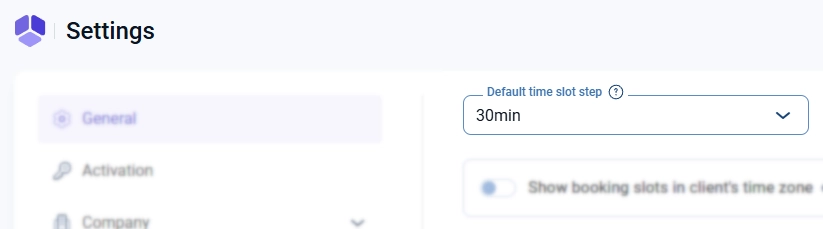
Even though you’ll notice this while creating a service, this setting actually applies to all time-related values in Amelia, including:
service durations
extras duration
buffer times
employee working hours
special days
The Time Slot Step defines the smallest unit of time the system can use. In simple terms, all time values must be divisible by this step.
For example:
If it’s set to 30 minutes, you can only use 30, 60, 90 minutes
If it’s set to 15 minutes, you can use 15, 30, 45, 60 minutes
If you need more flexibility, like a 10-minute service, you should set it to 5 minutes
So, if you want to combine durations like:
45 minutes
60 minutes
10 minutes
you need to set the Time Slot Step to 5 minutes, since all of these fit into that interval.